


CREATE, CONTROL & BATCH RENDER SCENE VARIANTS LIKE A PRO
Design smarter, iterate faster, and render efficiently — all within one powerful Blender add-on.

—
KEY FEATURES
Variants Manager is a Blender production-grade add-on that allows artists, designers, and studios to create unlimited scene variants, control every aspect of them, and batch-render stills or animations with unmatched precision.
Whether you're exploring lighting options, creating multiple product configurations, or delivering client revisions, Variants Manager gives you full control — without cluttering your scene or duplicating work.
Because Blender was never designed to handle complex variant workflows.
Switching materials, hiding objects, tweaking curves, swapping modifiers, or changing camera settings traditionally meant messy collections, duplicate files, or painful manual toggling.
Variants Manager fixes this.
It lets you store, organize, and recall entire scene states instantly.

FULL SCENE
SERIALIZATION
This isn't just “material variants” … it’s complete scene snapshots.
-
Object transforms & parenting
Objects & collections visibility
Materials (ID, stack order & mesh faces)
Modifiers (with visibility flags)
Objects & data animations
Curves & curve profiles
Geometry Nodes configurations
Camera settings (lens, DOF, sensor size)
Particle systems (with visibility flags)
Custom properties (even on complex rigs)
And more…

BEAUTIFUL
& STREAMLINED UI
-
Collapsible panels with hierarchy
Create, reorder, and delete variants
Toggle overrides
Quick visibility and inclusion controls
Thumbnail previews (icons included)
No learning curve — just plug in and go.

ROBUST
& STUDIO-READY
Perfect for freelancers, small studios, or full pipelines.
-
Intelligent error handling
Internal UID system for safe object tracking
Supports Blender 4.2+
Consistent behavior even with heavy scenes
Efficient memory and data caching

SMART
BATCH RENDERING
PRO
-
Stills or animations
Automatic naming
Optional overrides
Cancel rendering at any moment
Seamless, hands-off workflow
Save hours on repetitive production tasks.
—
WHO IS IT FOR?
—
PRODUCT
DESIGNERS
Producing multiple configuration renders.
—
AUTOMOTIVE
DESIGNERS
Working with several trim levels and finishes.
—
MOTION
DESIGNERS
Tweaking complex setups or camera paths.
—
ARCHITECTURAL
VISUALIZERS
Exploring light, furniture or design alternatives.
—
PRO
STUDIOS
Needing a repeatable, fast variant system.
—
LOOKDEV
ARTISTS
Testing shader and lighting combinations.
—
WHY YOU’LL LOVE IT?
✔ No more duplicate .blend files
✔ No more “hide/unhide 50 objects manually”
✔ No more painful render queues
✔ No more broken variants after changes
✔ Everything is tracked, saved, and restored
Variants Manager turns Blender into a true multi-version environment,
the way professional tools should work.
—
HOW DOES IT WORK?

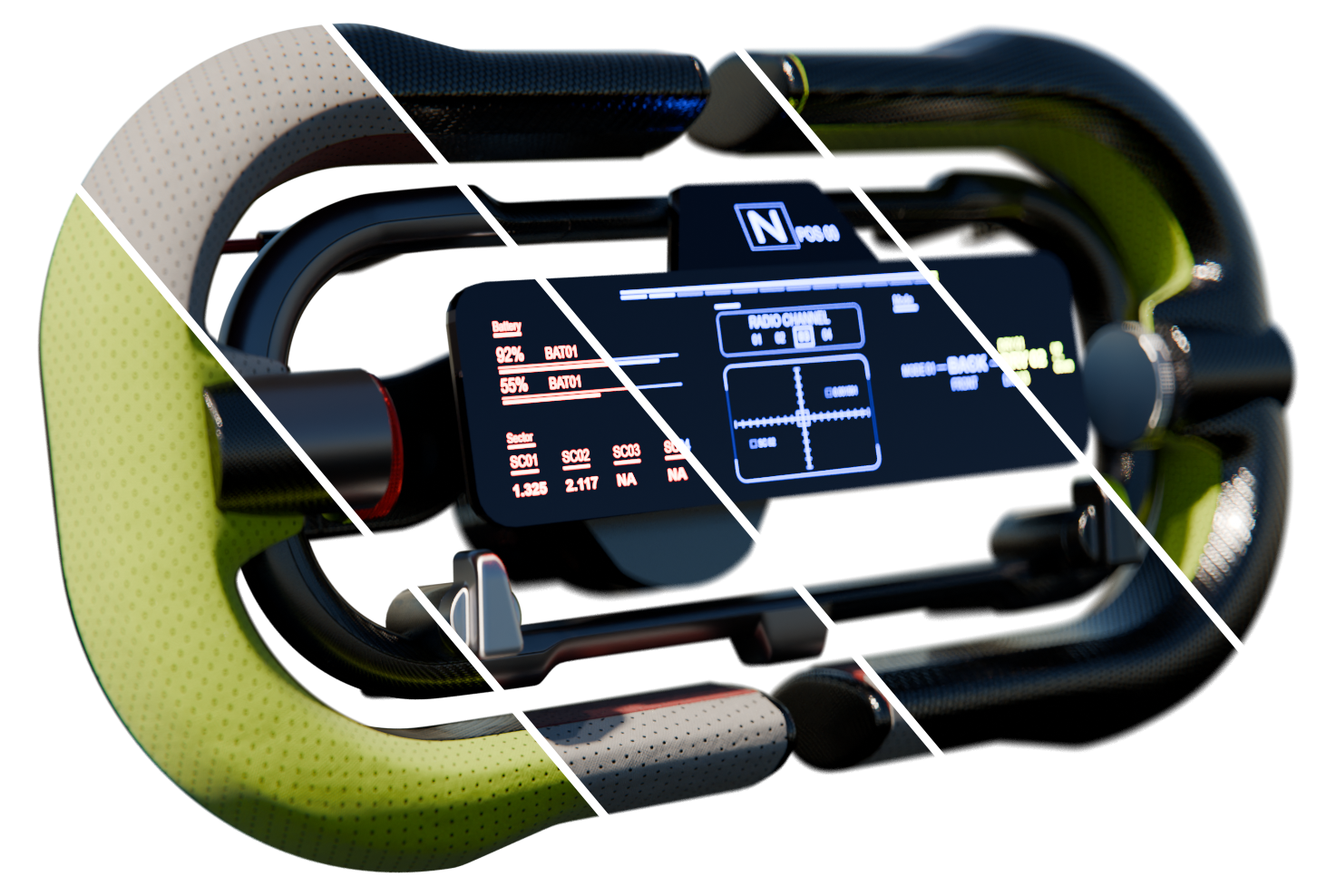
CREATE CAPTURES
Store your scene data into VARIANTS. In these Variants, all objects’ data are captured: Transforms, Visibilities, Materials, Animations, Modifiers… and more. Each time you load a variant, it restores back all information and objects data.
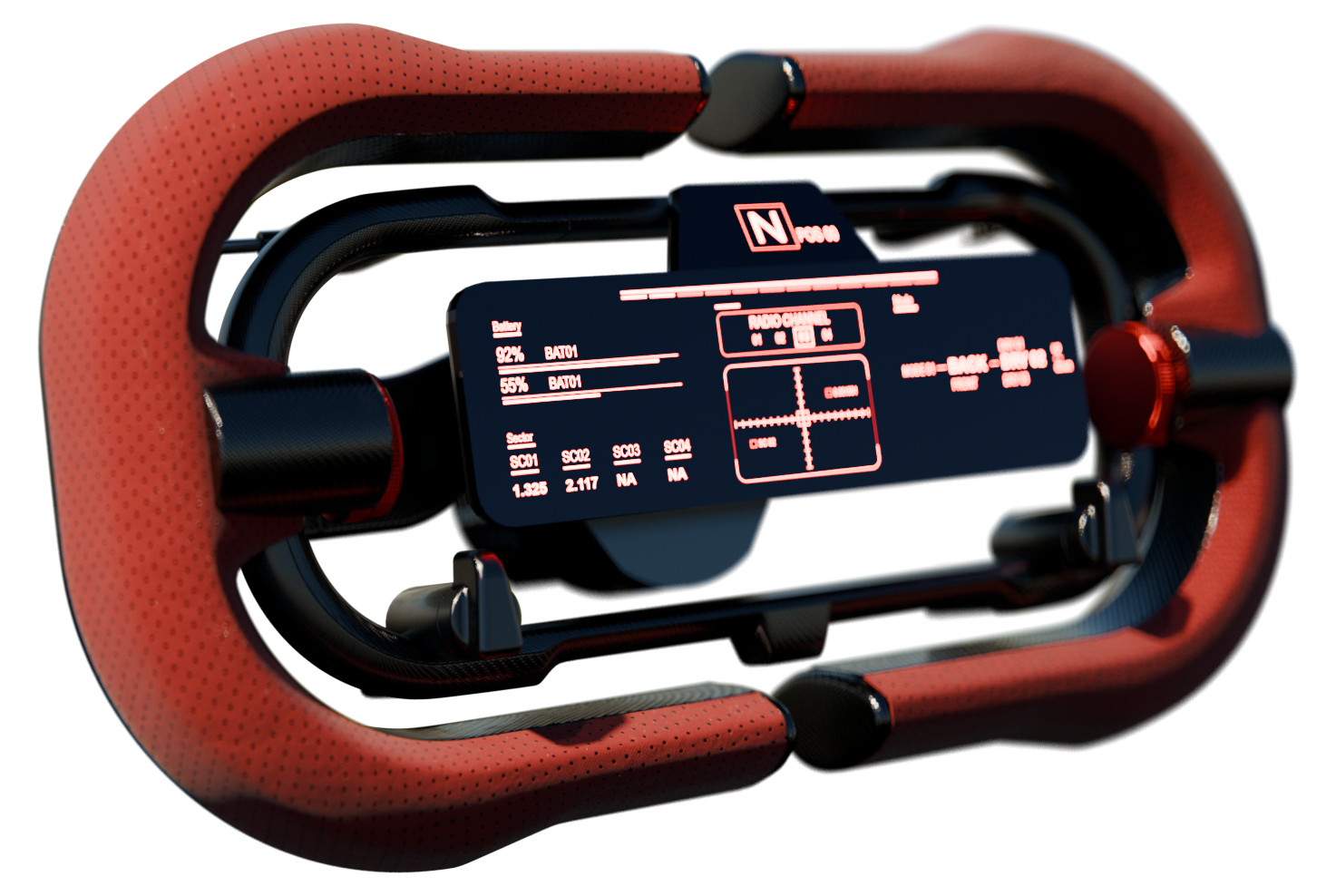
SAVE CHANGES
Nothing is never set in stone. You can adjust, change, refine your scene anytime and save the changes you just made to the variants. This allows great flexibility and complete surgical control over your project.
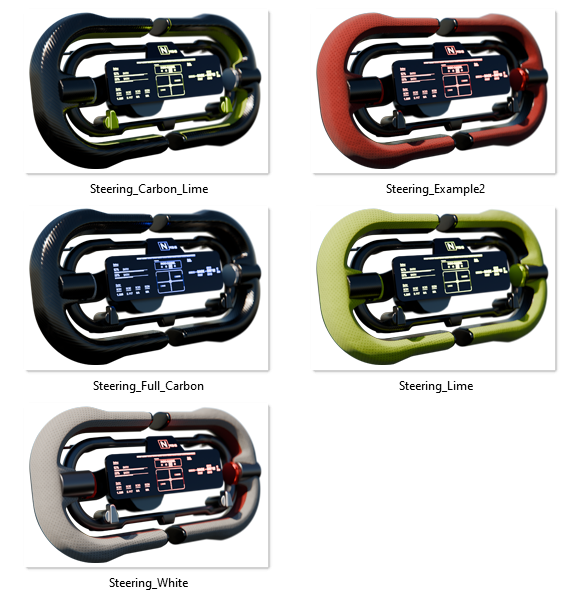
BATCH RENDER
Variants can be rendered in batch, for maximum efficiency. In literally one click, VARIANTS MANAGER will render the variant(s) of your choice, using the Render Preset you defined (samples, resolution, fps, color format, file paths…)
PRO
—
ADD-ON
LAYOUT
-
Add-on version
Compatibility
Release date
Language
Log -
-
-
Create New
Include Animations
Variants Groups
Variants ListAdd-On Version
—
VARIANTS
LAYOUT
-
-
-
Active Camera
Virtual Cameras
Add / Remove View
Copy Selected / Copy All
Paste / Replace Stack
Lock View to Camera -
-
-
Notes
Task List
INDEX
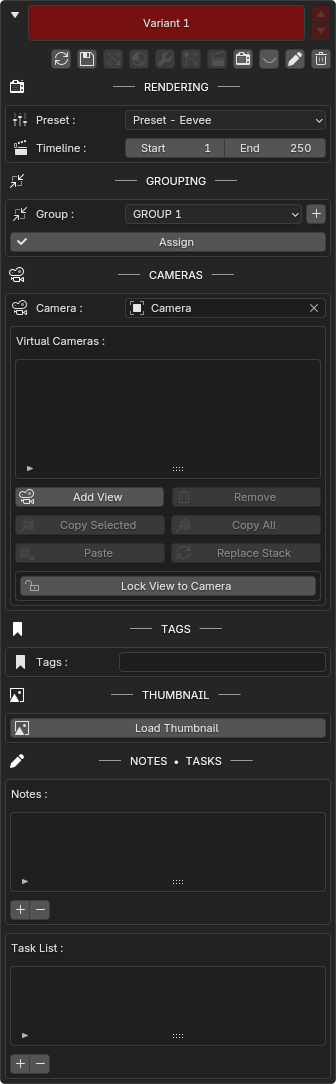
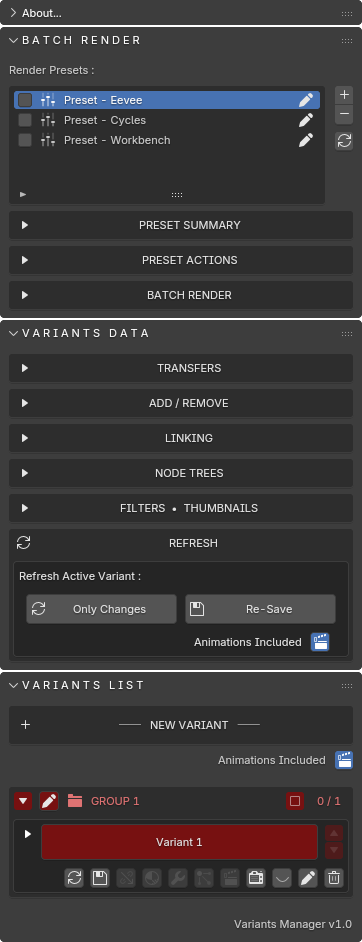
(Partially Expended)
(Expended)
INDEX
—
VARIANTS HEADER
Each variant’s header has a lineup of buttons that give you precise control and fast access to powerful tools conveniently located below the variant’s name.
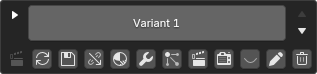

ANIMATION
LABEL

UPDATE
VARIANT
RESAVE
VARIANT

TRANSFER
DATA
TRANSFER
MATERIALS


TRANSFER
MODIFIERS
TRANSFER
PARTICLES

TRANSFER
ANIMATIONS
ADD TO
BATCH
PRO
VISUALIZE
EXCLUSIONS
RENAME
VARIANT




REMOVE
VARIANT
<— GET IT NOW —>


With your purchase, you become a vital part of the add-on’s continued development and evolution—thank you for supporting its growth.

Back