

Per variant timeline
—
DEDICATED ANIMATIONS

Each variant can have its own independent timeline range, allowing you to define exactly how long that variant should render — whether you’re producing still frames, turntables, short animations, or presentation sequences.
This means that every variant can hold its own custom start and end frame, separate from the global timeline.
Perfect for when different design options require different animation lengths, or when some variants are static while others include animated elements.
-
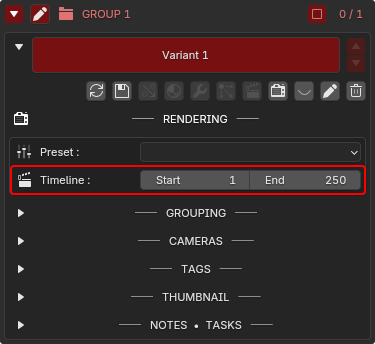
Inside the variant’s RENDERING tab, you can define:
Start Frame
End Frame
These values are saved inside the variant itself, not in the global scene.
-
When switching to a variant:
The scene timeline updates instantly to that variant’s frame range
Playback, previewing, and rendering all adapt automatically
You always work in the correct timeline context for that variant
No manual changes. No mismatches.
-
When using the Batch Renderer:
Each variant renders its own defined frame range
Short variants stay short
Long variants remain long
Static variants can be set to frame “1–1” (still image)
Animated variants can have their full sequence
This allows you to build mixed render packages effortlessly.
-
Many workflows require showing multiple animated ideas:
Different camera moves
Lighting transitions
Product feature animations
Turntables of different lengths
Mood transitions
UI/UX motion exploration
Studio fly-throughs with variant-specific framing
Each variant can now manage its own animation timing cleanly and independently.
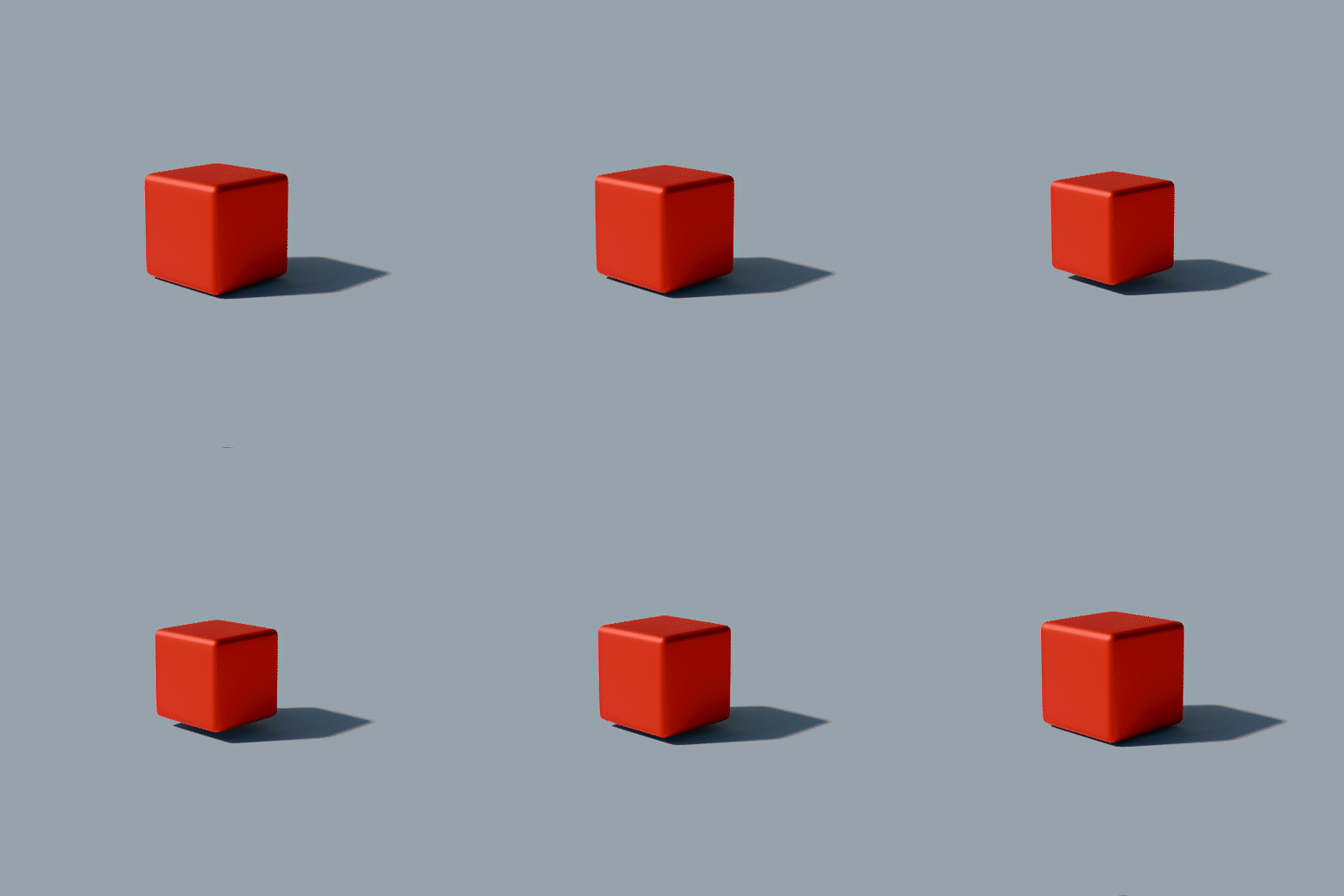
VARIANT “RED PULSE”
30 Frames
Start: 30 — End: 60
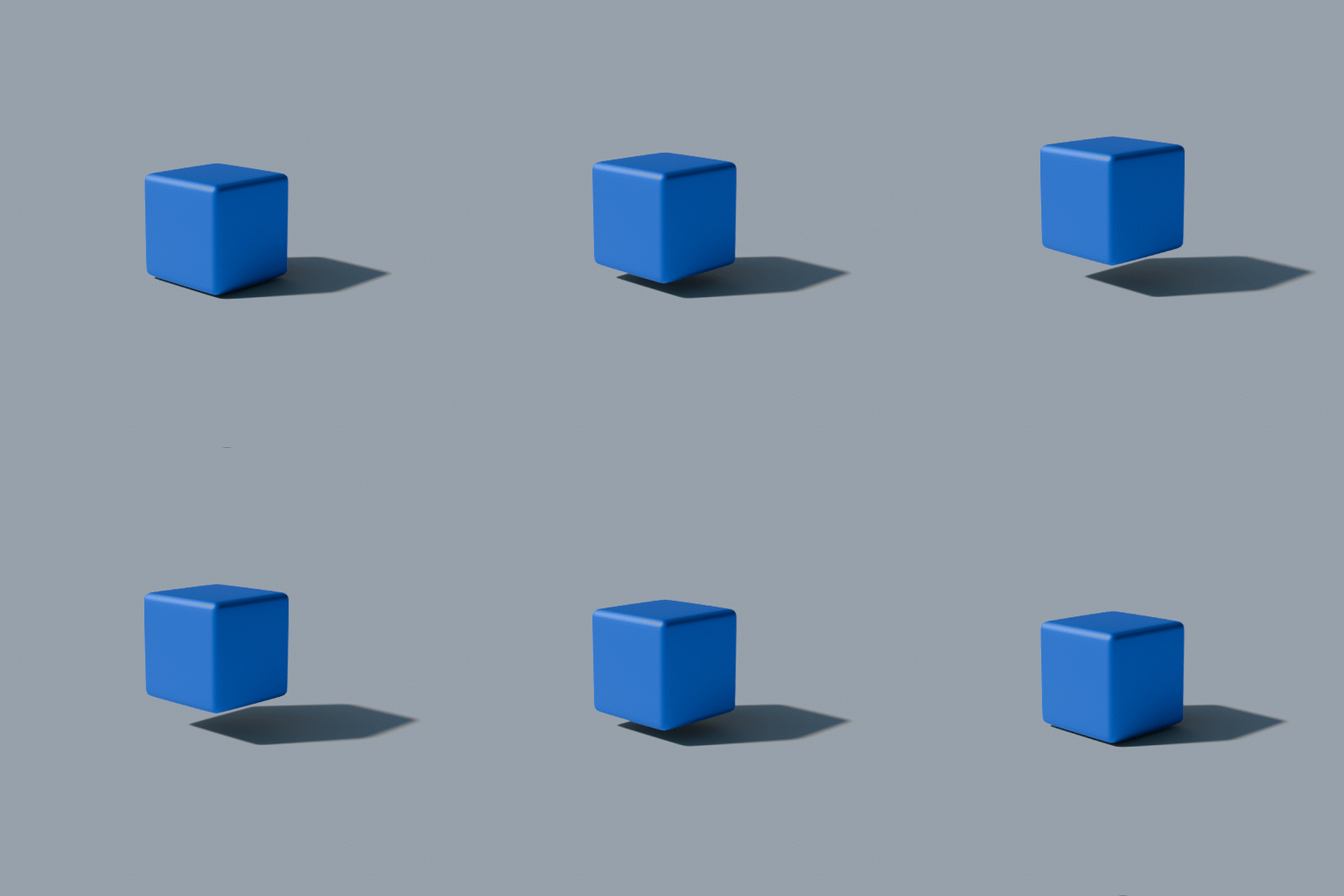
VARIANT “BLUE FLOAT”
150 Frames
Start: 1 — End: 150
VARIANT “GREEN SPIN”
250 Frames
Start: 1 — End: 250




Back